You can receive an overview of the products/services summarized in Sectors, of Products/Services in general and the Product classes and Service classes via the menu Sales / Products and Services database. You can assign case-specific positions directly via relations in the sales record or via drag and drop in the product overview. These positions from the neutral product catalog are created for an individual case and are calculated automatically.

Selecting and assigning products and services
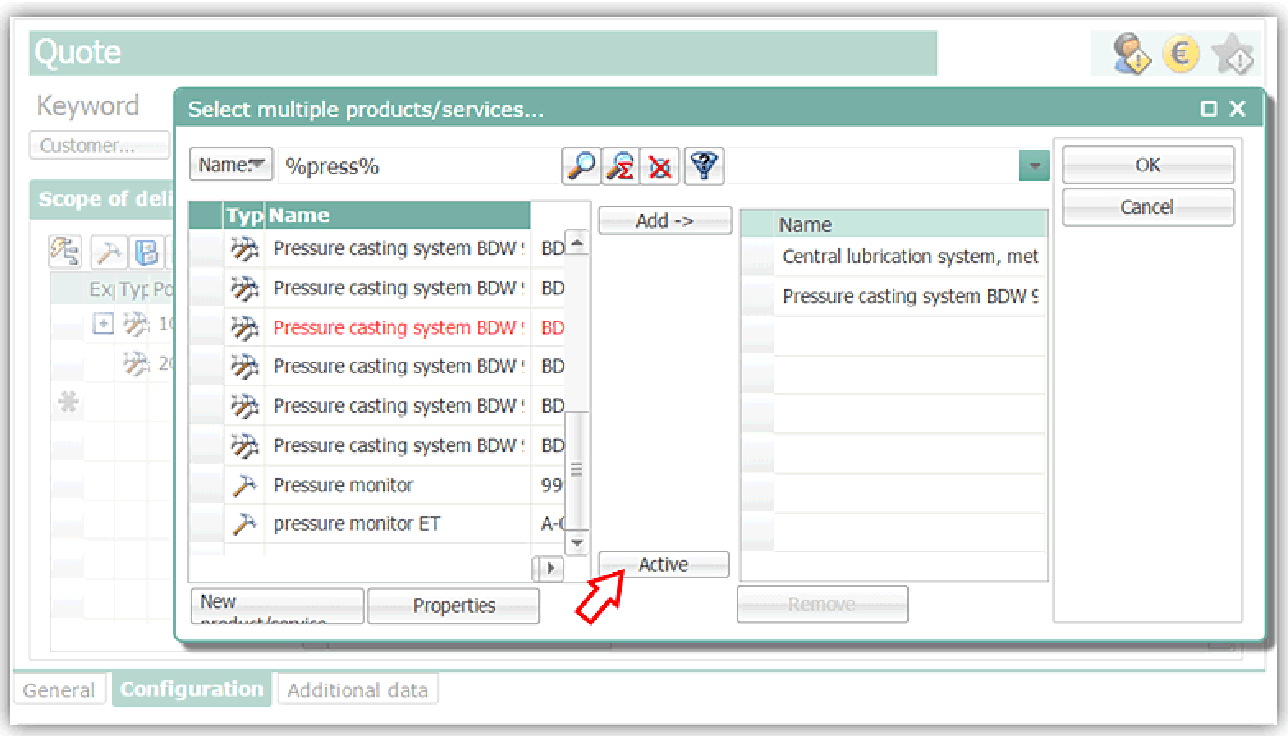
Case-specific products via article selection, her with not active parts product selection
- Open a sales case, switch to the subform Configuration.
- Click the Add from product database button (Ctrl+1) to open the selection dialog for neutral products/services.
- Assign the positions needed from the neutral product database to the case.
- Make the required changes to the record (number of pieces etc.).
- In the Selected field, mark the positions you would like to include in the calculation of the case.
- Save the record!