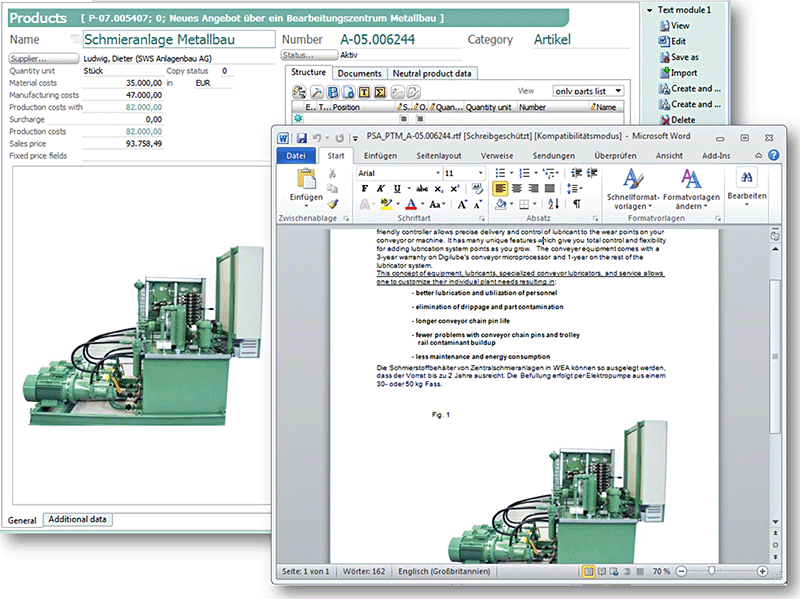
Using the Documentation/Technical specification/Create Text modules function, you can automatically create documents that contain all the data and information or attributes specific to a product. These documents are displayed in the scope of delivery (configuration) if you choose the "Text modules" view.
Text modules can be displayed and edited directly in the scope of supply of a case-specific item.
Text modules of an item contain variables that are filled in with item attributes from the product database. All positions and prices are taken from the text module of the item and displayed in the quotation. However, you can suppress selected positions and prices while creating them.
For this, activate the Suppress position, Suppress price, Suppress structure fields for the item in the configuration list.
If activated, the selected prices or positions do not appear in the quote letter.