Thanks to the convenient options for creating document data records in the CRM, the corresponding files in the CRM database are not linked to local files on the user system and are not referenced in any other way. If documents are to be edited or updated, this can be done directly in the database, i.e. without maintaining the document locally. This avoids duplication of maintenance work, and the latest changes can always be traced in the database. Every locally updated document should always be checked back into the CRM database in order to keep the document data record as up-to-date as possible. The document statuses and version management of JustRelate CRM support you in managing different document statuses.

Local documents
Note: Please note that all kinds of documents (files) that are managed in the CRM are stored exclusively in the CRM database.
The documents in the CRM are always independent files in the database and are not related to documents and files on your local system.
However, the document management is the basis for links with document creation systems, as the documents created in the external systems are managed with the CRM. If the corresponding creation systems are available on the user system (e.g. Microsoft Office, Adobe Illustrator or AutoCAD), the files can be opened directly from the database in the corresponding application and saved back to the database.
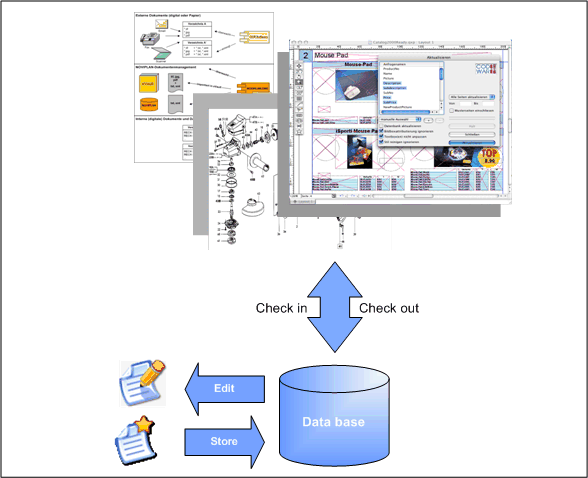
Documents are basically managed in the database.
See also: Viewing and editing documents