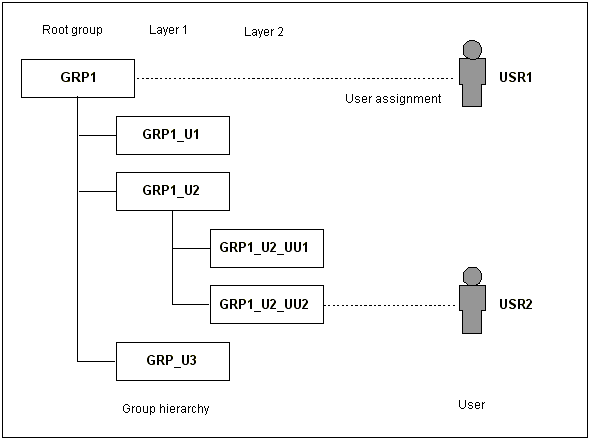
The level of the staff members and their view of staff members on subordinate levels is determined by the company structure. For this, only the Company field of the internal staff member is taken into consideration. The view of a Leader (a field in the Internal department form) on the staff members of the same level is an additional option that can also be used if the leader is not located on a higher level.
Since internal staff members cannot see each other as "neighbors", the view of an internal staff member from his assignment to the company should always be organized on subordinate structured units. For this reason, My company should contain only the staff members of the management and not all staff members. The company should first be structured in departments, to which staff members are then assigned.