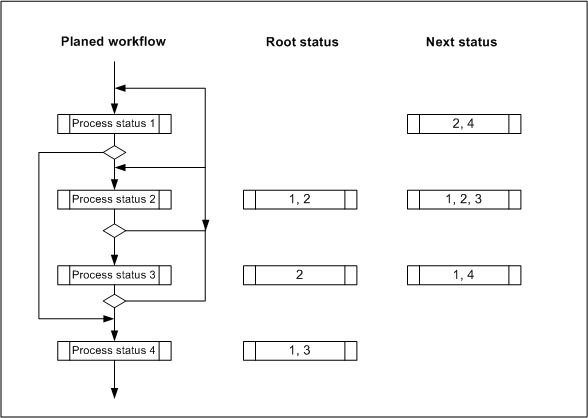
By marking a status in the status tree, you activate the Process status tab and can adjust all statuses that are used in this process. You can create a new status using the Status (new) function.
Process statuses indicate the progress of a process. You can specify which status triggers the open or closed status of a process. In conjunction with this, Access to a record is controlled when a particular status is set.
For process statuses, you can set a Main status that summarizes several process statuses and is presented as an element in the sales funnel or in the evaluation (report) of Requests.
The main status is furthermore used for the graphical presentation of the process. By assigning the main status to the processes “opportunity”, “quote”, “marketing process” or “service process”, progress icons are displayed in the case forms to the left of the status bar.