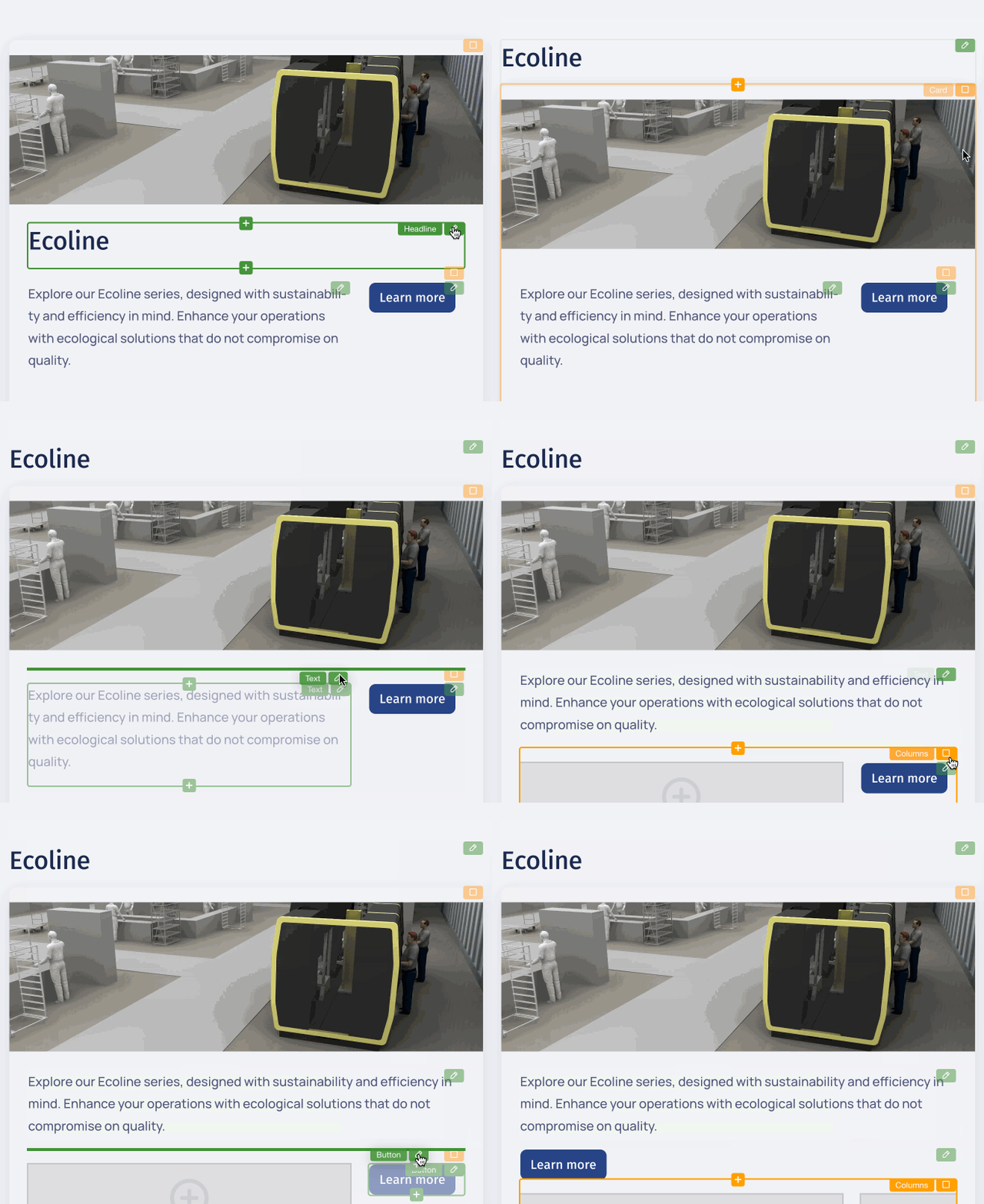
After activating in-place editing using the “Edit” switch on the Web Builder’s top panel, you can alter text and also add, remove, or rearrange page components. These components are “widgets”. Think of them as boxes that are predefined with respect to the kind of content they can contain.

Using Widgets and Editing Their Properties
Adding widgets to a page
There are several ways to add a widget to a page. If you are happy with duplicating or copying and pasting an existing one from the current or any other page, you can do so using the menu of the widget concerned (see below for details).
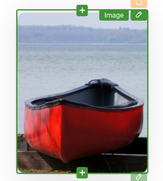
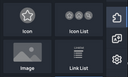
Otherwise, just click the plus button at the top or the bottom edge of a widget to open the widget selection dialog, and pick the type of the new widget you wish to insert above or, respectively, below the existing one.
In case you prefer adding widgets via drag and drop, there’s also a widget sidebar panel that lets you grab the desired widget, drag it to where you want to position it on the page, and drop it there.
Note that it may not be possible to unconditionally insert some widget anywhere on the page. The Portal App, for instance, requires standard pages to be made up of section widgets. Widgets of this type are styled containers that can be filled with any kind of other widgets. Every page can hold up to 1,000 widgets.
Editing a widget’s content
With most widgets, you can edit their most relevant pieces of content directly on the pages (in-place editing).

For example, you can provide the contents of an image widget by clicking the drop zone of the widget or the image it contains. This opens the Content Browser for selecting an image from the ones already present, or for uploading further images and using them.
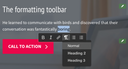
For text widgets, it is usually sufficient to click the widget area in order to make the text editable (enable the editing mode via the Web Builder panel first). For simple, single-line text such as a headline, no formatting options are available, whereas text blocks can be formatted using an editing toolbar.
When hovering over a widget, a plus button appears at the top and bottom borders of the widget. Click one of them to insert a new widget above or, respectively, below the widget.
Using the widget menu
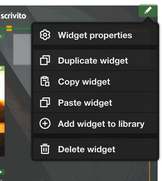
Every widget has a handle you can click for opening its menu, and for moving the widget via drag-and-drop. Using this menu, you can have the widget properties displayed (if it has any) or edit them in editing mode. In addition to the property views built into the Web Builder, further ones can be provided by a website developer, e.g., for extended styling options.
The menu also lets you delete a widget or duplicate it. Note that the latter does not duplicate referenced content, e.g. images. So, after duplicating an image widget, you’ll have two of them displaying the same image object.
In editing mode, you can copy a widget. This places it onto an internal clipboard. Afterwards, you can paste the widget anywhere to the same or a different page. The copy is inserted at the position of the widget whose menu is used. Since pasting a widget doesn’t remove it from the clipboard, you can paste it as often as needed.
For moving a widget to a different page, simply copy it and then delete it from the source page. Then navigate to the destination page and paste the widget there.
Arranging widgets
You can arrange your content according to your or your website visitors' preferences by grabbing widgets by their handle, dragging it to the desired place on the page (within the editable area), and dropping it there.